
ChatIMG.io vs Shrinkpad
Side-by-side comparison to help you choose the right product.

ChatIMG.io
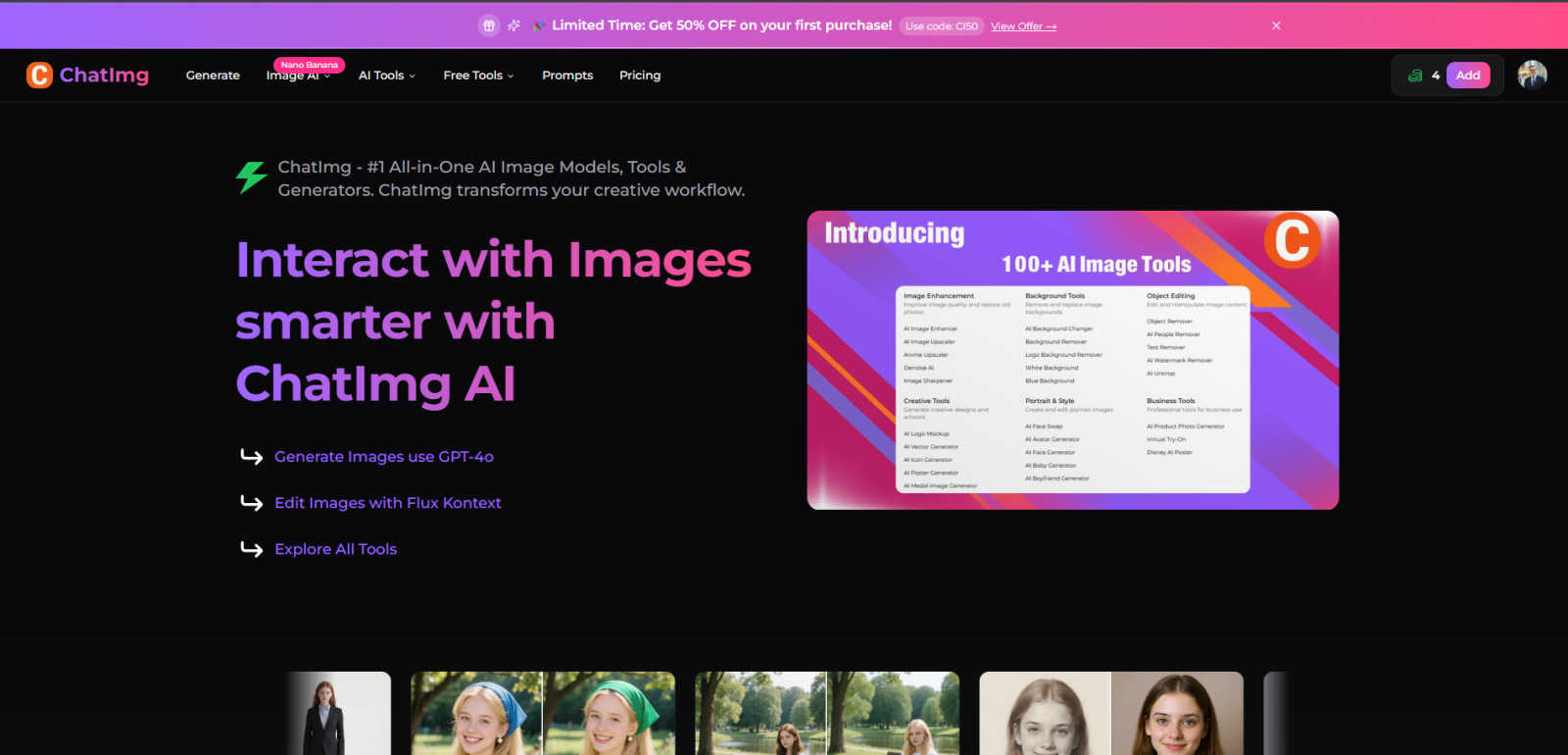
ChatIMG.io is an all-in-one AI platform for generating, enhancing, and editing images to streamline your creative.
Last updated: March 1, 2026

Shrinkpad
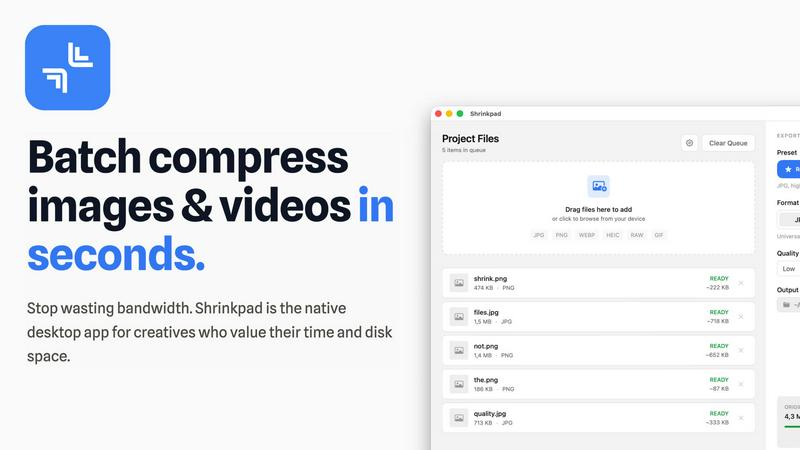
Effortlessly batch compress images and videos on your Mac to save time and optimize storage with Shrinkpad.
Last updated: February 28, 2026
Visual Comparison
ChatIMG.io
Shrinkpad
Feature Comparison
ChatIMG.io
Multi-Model AI Engine
ChatIMG.io distinguishes itself by integrating several state-of-the-art AI models under one roof. Users have direct access to Flux 1.1 Pro for detailed editing and artistic generation, GPT-4o for highly coherent and realistic imagery, and Recraft V3 for vector and illustration-style outputs. This diversity ensures that whether a project demands hyper-realism, a specific artistic genre like Ghibli-style animation, or scalable vector graphics, there is a dedicated, best-in-class model available to achieve the desired result efficiently and effectively.
Comprehensive AI Editing Suite
Beyond generation, the platform offers a full spectrum of AI-powered editing tools. This includes sophisticated functions like AI Inpainting and Outpainting for modifying or extending image content, Object and Background Removers for clean edits, and specialized tools like the AI Hairstyle Changer and Face Swap. The integration of Flux Kontext allows for complex edits using natural language instructions, making advanced photo manipulation as simple as typing a command, thereby significantly reducing the learning curve associated with traditional editing software.
Specialized Production Tools
ChatIMG.io provides niche tools tailored for specific professional and personal needs. These include the Restore Old Photos tool for digital restoration of damaged photographs, the Professional Headshots generator for creating corporate-grade portraits, and the Portrait Poses tool for conceptualizing character stances. For content localization, it features Video, Document, and Image Translators, making it a versatile asset for global marketing campaigns and multilingual content creation.
High-Speed Cloud Infrastructure
Leveraging a GPU-optimized cloud infrastructure, ChatIMG.io delivers exceptional performance, generating high-resolution images in under 10 seconds. This speed is consistent across its toolset, from complex edits to multi-image combinations via the Flux Kontext Image Combiner. This rapid processing capability enables iterative creativity and meets the demands of fast-paced environments like social media marketing and client revisions, where time is a critical factor.
Shrinkpad
Automatic Compression Ratio Adjustment
Shrinkpad utilizes advanced algorithms to automatically analyze the visual complexity of images and videos, applying the optimal compression ratio without introducing artifacts. This feature ensures that users achieve high-quality results, making it ideal for preserving visual integrity while significantly reducing file sizes.
Unlimited Batching Capability
With Shrinkpad, users can process thousands of media files simultaneously without crashing or slowing down. Unlike online tools that may limit batch sizes, Shrinkpad's robust architecture allows for massive queues, enabling users to handle extensive projects efficiently and effectively.
Folder Mode for Convenience
The Folder Mode feature allows users to drag and drop entire folders onto Shrinkpad, where the application automatically detects and processes all supported media files within. This removes the hassle of manually selecting files one by one, streamlining the workflow and saving time for busy professionals.
Privacy-Focused Local Processing
Shrinkpad prioritizes user privacy by ensuring that all processing occurs locally on the user's machine. This means that sensitive assets remain on the device, eliminating any concerns about cloud uploads or data breaches, which is especially crucial for creative professionals handling proprietary content.
Use Cases
ChatIMG.io
E-commerce and Product Marketing
Online retailers and marketers can rapidly create high-quality product visuals, lifestyle mockups, and advertising banners. Tools like the GPT-4o Action Figure Generator or text-to-image can visualize products from descriptions, while the Background Remover and AI Enhancer can polish existing photos for catalogs. This allows for the creation of vast, visually consistent asset libraries at a fraction of the traditional cost and time, enabling more dynamic and personalized marketing strategies.
Social Media and Content Creation
Content creators, influencers, and social media managers can maintain a consistent and engaging posting schedule by generating unique visuals, memes, and promotional art on demand. The ability to quickly edit photos, swap elements, create themed art (e.g., Ghibli-style), and translate text within images for different audiences makes ChatIMG.io an indispensable tool for building a strong, visually appealing online presence across multiple platforms.
Professional Design and Concept Art
Graphic designers and illustrators use the platform as a powerful ideation and prototyping tool. They can generate multiple concepts and variations based on text prompts, explore different artistic styles using various AI models, and utilize editing tools to refine compositions. This accelerates the initial creative phase, helps overcome creative blocks, and provides a solid foundation upon which to build final designs in dedicated software.
Personal and Nostalgic Projects
Individuals can utilize ChatIMG.io for personal creative projects and photo restoration. The Restore Old Photos tool can breathe new life into faded or damaged family pictures, while the AI Hairstyle Changer or Portrait Poses tools offer fun ways to experiment with personal images. It allows users to create custom artwork, visualize ideas for personal stories, or simply engage in creative exploration without any professional overhead.
Shrinkpad
Optimizing Digital Asset Management
Photographers and designers can utilize Shrinkpad to optimize their digital asset management workflows by batch compressing images and videos for use in portfolios and websites. By reducing file sizes, they can enhance loading times and overall user experience on their platforms.
Streamlining Social Media Content Creation
Content creators can leverage Shrinkpad to prepare images and videos for social media by quickly compressing media files to meet platform requirements without sacrificing quality. This allows for faster uploads and better engagement with audiences, enhancing their social media presence.
Enhancing Website Performance
Web developers can benefit from using Shrinkpad to compress images and videos before uploading them to websites. By reducing file sizes, developers can significantly decrease loading times, leading to improved Core Web Vitals and overall site performance, which is crucial for SEO.
Facilitating Efficient Team Collaboration
For teams working on design projects, Shrinkpad provides a way to compress shared media files for collaborative use. By allowing team members to quickly process and optimize assets, it fosters smoother collaboration and ensures that all members are working with the most efficient file versions available.
Overview
About ChatIMG.io
ChatIMG.io, also known as ChatImg, is a premier, all-in-one AI-powered platform dedicated to visual content creation and manipulation. It functions as a comprehensive suite that transcends simple text-to-image generation, offering a vast array of specialized tools for editing, enhancing, translating, and transforming images and videos. The platform's core value proposition lies in its consolidation of multiple cutting-edge AI models—including GPT-4o, Flux Kontext, Recraft V3, and Ideogram v2—into a single, user-friendly interface. This multi-model approach allows users to select the optimal AI for any specific task, whether it requires photorealistic detail, artistic flair, or precise editing capabilities. Designed for a broad audience, ChatIMG.io empowers graphic designers, digital marketers, social media managers, content creators, e-commerce businesses, and even hobbyists to produce studio-quality visuals without requiring advanced technical skills or expensive software. By prioritizing unmatched speed, enterprise-grade security, and consistently superior output, the platform streamlines the entire creative workflow from initial concept to final, professional-grade asset, effectively democratizing high-end visual production.
About Shrinkpad
Shrinkpad is a sophisticated batch compression tool meticulously crafted for macOS users who seek an efficient and reliable method to compress images and videos without sacrificing quality. Designed with photographers, designers, content creators, and everyday users in mind, Shrinkpad enables users to manage their media files more effectively by achieving file size reductions of up to 90%. The application processes files locally, guaranteeing user privacy by ensuring that no files are uploaded to the cloud. With a simple drag-and-drop interface, users can compress hundreds of files or entire folders in mere seconds. Shrinkpad supports over 50 file formats, making it a versatile solution for diverse media types, and its user-friendly interface includes both quick compression presets and detailed settings for advanced users. By utilizing Shrinkpad, users can reclaim valuable disk space, streamline their asset management processes, and improve their workflow efficiency, all while maintaining the highest standards of media quality.
Frequently Asked Questions
ChatIMG.io FAQ
What AI models are available on ChatIMG.io?
ChatIMG.io provides access to a curated selection of leading AI models to cater to different creative needs. This currently includes OpenAI's GPT-4o for highly detailed and coherent image generation, Stability AI's Flux 1.1 Pro and Flux Kontext for advanced editing and artistic control, Recraft V3 for generating vector graphics and illustrations, and Ideogram v2, which excels at rendering legible text within images. The platform continuously evaluates and integrates new models to maintain its technological edge.
How does ChatIMG.io ensure the privacy of my uploaded images?
ChatIMG.io operates with a "Privacy & Security First" principle. The platform employs enterprise-grade encryption for data both in transit and at rest. Your uploaded images and generated content are processed on secure servers with strict access controls. The company states that user data is not used to train public AI models without explicit consent, ensuring that your creative work and source materials remain confidential and protected.
Can I use the images generated on ChatIMG.io for commercial purposes?
Yes, images generated on the ChatIMG.io platform are typically provided with a license that permits commercial use. This means users can legally utilize the created visuals in commercial projects, including marketing materials, product designs, website content, and social media advertising. However, it is always advisable to review the specific Terms of Service for the latest licensing details, as policies can be updated.
What is the difference between the various image generation models like GPT-4o and Flux?
GPT-4o is renowned for its strong adherence to complex text prompts and its ability to generate highly realistic and logically consistent scenes with fine details. Flux models, particularly Flux Kontext, offer superior capabilities in understanding and editing existing images based on textual instructions, making them ideal for iterative modifications, style transfers, and outpainting. In essence, GPT-4o is often preferred for generation from scratch, while Flux excels in manipulation and artistic reinterpretation.
Shrinkpad FAQ
Can I use Shrinkpad for free?
Yes, Shrinkpad offers a Free Starter plan that provides essential tools for casual users. This plan includes standard compression features with a limit of 10 files per batch, making it suitable for those who need basic functionality without a financial commitment.
What file formats does Shrinkpad support?
Shrinkpad supports over 50 file formats, including popular image formats such as JPG, PNG, WEBP, and AVIF, as well as video formats like MP4 and MOV. This extensive compatibility makes it a versatile tool for handling various media types.
Does Shrinkpad support video compression?
Absolutely, Shrinkpad includes robust video compression capabilities, allowing users to optimize video files alongside images. This feature ensures that both images and videos can be efficiently compressed, making it ideal for multimedia projects.
How many files can I process at once?
Shrinkpad's unlimited batching capability allows users to process thousands of files simultaneously. This feature is particularly advantageous for professionals who need to handle large volumes of media files without worrying about crashes or performance issues.
Alternatives
ChatIMG.io Alternatives
ChatIMG.io is a comprehensive AI-powered platform within the generative art and image editing category. It specializes in transforming text prompts into high-quality visuals and enabling sophisticated edits through natural language commands, catering to a broad audience from professionals to hobbyists. Users often explore alternatives for various reasons, including specific budgetary constraints, the need for different AI models or artistic styles, integration with other creative software, or platform-specific requirements like mobile app availability. The search for a different tool is a natural part of finding the optimal fit for one's unique workflow and project demands. When evaluating an alternative, key considerations should include the core AI model's output quality and style, the flexibility and power of editing tools, pricing structure and subscription value, generation speed and limits, and the overall user experience. The ideal platform aligns with your primary use case, whether for rapid social media content, detailed commercial artwork, or conceptual brainstorming.
Shrinkpad Alternatives
Shrinkpad is an advanced batch compression tool designed specifically for macOS users, enabling them to compress images and videos without sacrificing quality. It is particularly beneficial for photographers, designers, content creators, and everyday users who need an efficient way to manage large media files and optimize disk space. With its ability to reduce file sizes by up to 90%, Shrinkpad stands out in the image and video processing category. Users often seek alternatives to Shrinkpad for various reasons, including pricing, differing feature sets, or specific platform compatibility needs. Some may prefer options that cater to additional operating systems or offer unique functionalities that better fit their workflows. When choosing an alternative, users should consider factors such as batch processing capabilities, local versus cloud processing, supported file formats, and customization options to ensure they select a solution that meets their individual requirements.