
dmaya vs FLUX.1 Kontext Image Generator
Side-by-side comparison to help you choose the right product.

dmaya
dMaya is an AI design platform for agencies that generates client-ready UI and exports to code.
Last updated: April 13, 2026

FLUX.1 Kontext Image Generator
FLUX.1 Kontext generates and edits context-aware images with character consistency from text and image inputs.
Last updated: March 1, 2026
Visual Comparison
dmaya
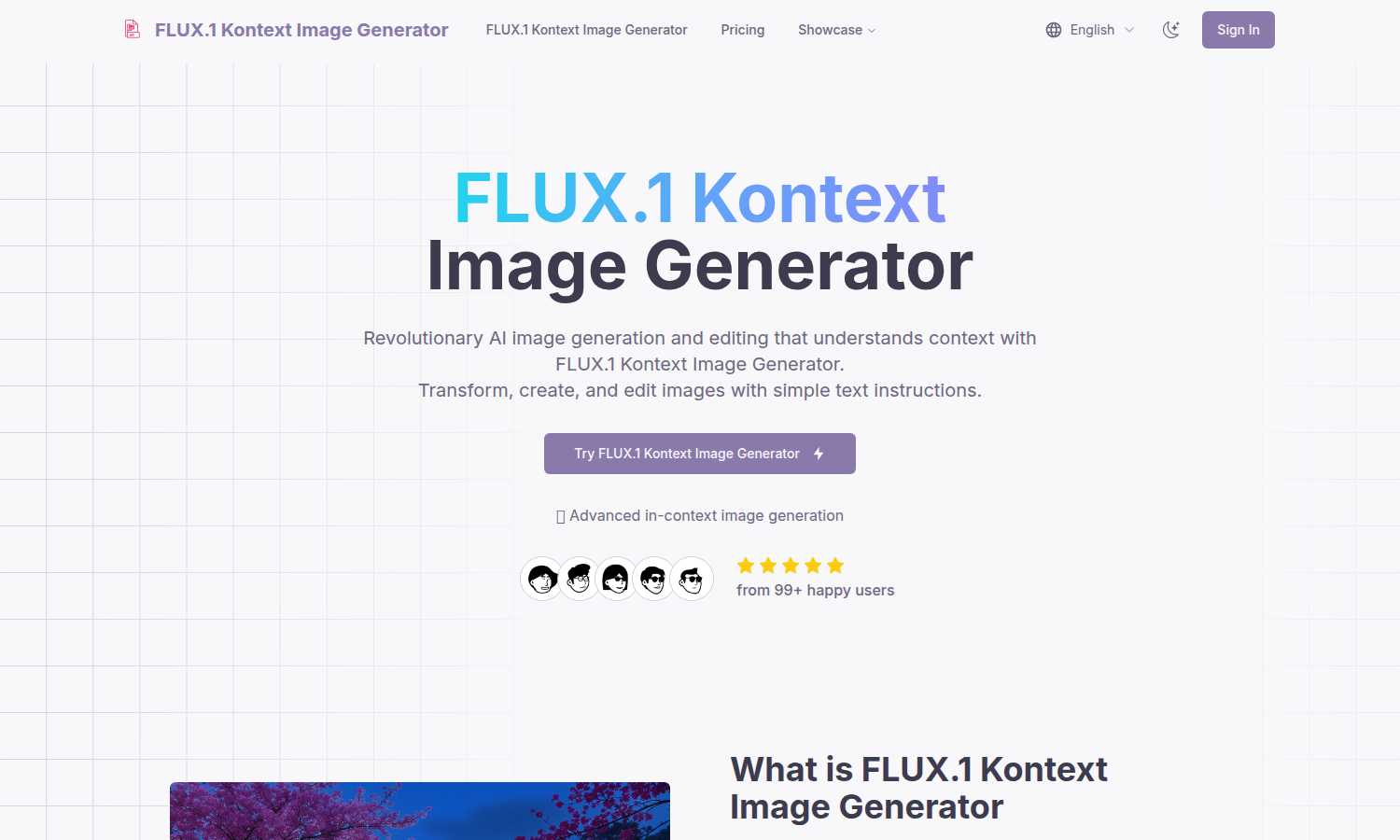
FLUX.1 Kontext Image Generator
Feature Comparison
dmaya
Conversational AI Design Generation
This foundational feature allows users to generate initial UI designs by describing their vision in plain English. You can request a SaaS dashboard, an e-commerce user flow, or a mobile app interface, and dmaya's AI agent will produce polished, production-ready screen designs within seconds. The system interprets the description to create complete layouts with logical component systems and responsive considerations, providing a professional starting point that far surpasses a blank canvas.
Multi-Screen Infinite Canvas
dmaya provides a flexible, Figma-like workspace where designers can work across multiple artboards for different devices (desktop, mobile, tablet) simultaneously on an infinite canvas. This allows for the holistic design of complete user flows and application states. Users can drag, zoom, and organize screens freely, facilitating a high-level view of the entire project while the AI handles the intricate design work, enabling efficient management of complex, multi-screen projects.
Client Presentation & Feedback Portal
This feature eliminates lengthy email threads and cumbersome presentation tools. Designers can share any design via a simple, secure link. Clients and stakeholders can view an interactive preview directly in their browser without needing an account, leave specific feedback and comments directly on the design, and grant approval. This creates a seamless, centralized review cycle that dramatically reduces iteration time and miscommunication, ensuring everyone is aligned visually before development commences.
Design-to-Code Export for AI Agents
Once a design is approved, dmaya exports it as clean, semantic HTML, CSS, and JavaScript code. This output is not raw, unpolished code but is structured specifically to be consumed effectively by modern AI coding assistants like Cursor, Claude Code, or GitHub Copilot. This allows developers or AI agents to accurately translate the visual design into functional components within any modern framework such as React, Next.js, or Flutter, ensuring fidelity between the approved design and the final built product.
About FLUX.1 Kontext Image Generator
In-Context Image Generation
This is the cornerstone feature of FLUX.1 Kontext. Unlike standard text-to-image models, it accepts a combination of text prompts and reference images as input. The AI analyzes the visual context, relationships, and elements within the provided images alongside the textual instructions to generate entirely new, coherent renderings. This allows for complex scene construction where the output logically integrates specified characters, objects, and styles from the references, ensuring the final image is contextually aware and relevant to the user's creative intent.
Character and Object Consistency
A critical feature for serialized content creation, FLUX.1 Kontext excels at preserving the unique visual identity of characters, objects, or specific design elements across a series of generated images. Whether placing the same character in different environments, poses, or outfits, the tool maintains core attributes like facial features, clothing details, and style. This eliminates the common "drift" seen in other AI tools, making it essential for comic book creation, storyboarding, advertising campaigns, and any project requiring a stable visual narrative.
Precise Local Editing
FLUX.1 Kontext allows for targeted, surgical modifications to specific areas of an image without necessitating a complete regeneration or affecting the untouched portions of the composition. Users can instruct the AI to change an item of clothing, modify the background, alter an object's color, or add/remove elements with simple text commands. This feature provides granular creative control, enabling refinements and iterations that preserve the overall integrity and quality of the original image, streamlining the revision process.
Style Reference and Transfer
This feature enables users to guide the aesthetic output of image generation by providing a reference image that defines a desired artistic style, color palette, or texture. FLUX.1 Kontext can then generate novel scenes or subjects that adhere to the visual language of the reference, all while following a separate text prompt for content. This allows for the creation of cohesive visual branding, the emulation of specific artistic techniques, or the consistent application of a unique visual theme across multiple generated assets.
Use Cases
dmaya
Agency Pitch & Concept Development
Creative and digital agencies can use dmaya to radically accelerate their client acquisition and pitching process. During discovery calls or initial meetings, teams can generate live, visual concepts based on the client's verbal brief, presenting multiple professional design directions in hours instead of weeks. This tangible demonstration of capability and speed significantly increases win rates and builds immediate client confidence by visualizing ideas on the spot.
Product Team Ideation & Prototyping
Product managers and cross-functional teams can leverage dmaya to explore UI directions and validate concepts before committing valuable engineering resources. It allows for rapid prototyping of new features, user flows, or entire applications, facilitating collaboration between product, design, and engineering in a single workspace. This reduces risk, aligns stakeholders on visual direction early, and ensures the team builds the right thing from the outset.
Freelancer Project Delivery & Scaling
Independent designers and freelancers can utilize dmaya to increase their capacity and project throughput. By automating the initial heavy lifting of layout and component creation, a freelancer can take on more client projects or deliver higher-fidelity work faster without increasing their working hours. This efficiency enables them to improve profitability, offer more competitive turnaround times, and deliver impressive, interactive prototypes that enhance client satisfaction.
Design System Exploration & Iteration
Teams looking to establish or evolve a visual language can use dmaya's conversational iteration and design token consistency to experiment rapidly. Designers can prompt the AI to generate variations of a core component (like a button or card) with different color schemes, typography scales, or spacing rules, allowing for swift A/B testing of design system foundations and ensuring visual consistency is maintained automatically across all generated screens.
FLUX.1 Kontext Image Generator
Serialized Content and Storytelling
Ideal for authors, comic artists, and game developers, FLUX.1 Kontext can generate consistent character illustrations across multiple scenes, chapters, or promotional materials. A writer can establish a protagonist's visual design and then generate that same character in various action poses, emotional states, and settings as the story progresses, ensuring visual continuity that enhances narrative immersion and brand recognition for the project.
Marketing and Advertising Campaigns
Marketing teams can leverage the tool to create a suite of cohesive visual assets for a campaign. By generating product images or brand mascots in diverse scenarios—from a busy city street to a serene natural landscape—all while maintaining perfect consistency, brands can produce high-volume, tailored content for different platforms and audiences without the cost and time of traditional photoshoots or inconsistent AI outputs.
Conceptual Design and Rapid Prototyping
Designers and concept artists can use FLUX.1 Kontext to rapidly visualize ideas. By providing rough sketches or mood boards as image input alongside descriptive text, they can generate multiple high-fidelity variations of a product, character, or environment. The local editing feature allows for quick iteration on specific design elements, such as changing materials or adjusting proportions, accelerating the creative exploration and client presentation phases.
Personalized Content and Entertainment
Content creators, social media influencers, and educators can use the tool to produce engaging, personalized visual content. For example, an educator could maintain a consistent animated tutor character across different lesson videos. A creator could insert a familiar avatar into various humorous or topical scenarios relevant to their audience. This builds a stronger visual identity and connection with viewers through reliable and adaptable character presence.
Overview
About dmaya
dmaya is an advanced AI-powered design platform engineered specifically for professional agencies, product teams, and freelancers who operate within a structured, client-centric workflow. It addresses a critical gap in the current AI tool landscape by prioritizing the visual design phase that occurs before any code is written. Unlike tools that bypass design to generate code directly, dmaya facilitates intentional, collaborative design decisions early in the process. Its core value proposition lies in accelerating the entire design-to-approval cycle. Users can generate complete, professional UI designs from simple text descriptions, then iteratively refine them through conversational AI. The platform streamlines client collaboration with shareable preview links for instant feedback and approval. Finally, it bridges the gap to development by exporting clean, structured code (HTML, CSS, JS) that can be handed off to AI coding agents like Cursor or Claude Code for implementation in frameworks like React, Next.js, or Flutter. dmaya is built for teams that require speed, precision, and client alignment, transforming a process that traditionally takes days into one that can be completed in minutes.
About FLUX.1 Kontext Image Generator
FLUX.1 Kontext Image Generator represents a paradigm shift in the field of artificial intelligence-driven visual creation. It is a sophisticated tool built upon a suite of advanced generative flow matching models, collectively known as FLUX.1 Kontext. This foundational technology enables a novel approach to image generation and editing by utilizing both textual descriptions and visual inputs simultaneously. The primary innovation lies in its capacity for "in-context" generation, where the AI synthesizes new images by understanding and preserving the contextual relationships and elements present in the provided prompts and reference images. This makes it an indispensable asset for a wide range of professionals, including digital artists, graphic designers, marketing agencies, content creators, and storytellers. Its core value proposition is the unprecedented ability to maintain character and object consistency across multiple scenes and iterative edits, a task that has traditionally been challenging for AI image generators. By streamlining complex creative workflows into an intuitive process of text and image prompting, FLUX.1 Kontext empowers users to produce high-quality, coherent, and contextually relevant imagery that aligns precisely with their artistic vision and project requirements.
Frequently Asked Questions
dmaya FAQ
How does dmaya differ from other AI design tools?
dmaya is distinctively built for professional, client-facing workflows common in agencies and product teams, whereas many AI tools target solo builders or developers. It emphasizes the critical design and approval phase that precedes coding, offering features like client presentation links and collaborative feedback. Other tools often skip visual design to generate code immediately, which bypasses the necessary stakeholder alignment and iterative refinement process that dmaya facilitates.
What kind of code does dmaya export?
dmaya exports clean, production-ready front-end code consisting of semantic HTML, vanilla CSS, and JavaScript. This code is intentionally structured to be clear, well-commented, and easily interpretable by both human developers and AI coding assistants. It is not framework-specific but serves as a perfect, pixel-accurate blueprint that can be handed off to an AI agent like Claude Code to be converted into React, Vue, Flutter, or any other desired framework or library.
Can I collaborate with my team on dmaya?
Yes, dmaya includes robust collaboration features built for teams. You can invite team members to projects with role-based permissions to control access. Multiple designers can work within the same project environment. Furthermore, the platform extends collaboration to clients and external stakeholders through its signature shareable preview links, which allow for feedback collection without requiring viewers to have an account or learn the tool.
Is dmaya a replacement for Figma or Sketch?
dmaya is not a direct 1:1 replacement for traditional vector-based design tools like Figma or Sketch, which offer granular manual control for detailed visual design and intricate prototyping. Instead, dmaya is a complementary, AI-augmented platform focused on the earlier stages of conceptualization, rapid iteration, and client presentation. It is ideal for generating high-quality starting points, exploring ideas at speed, and securing approvals before investing time in detailed manual design or handoff.
FLUX.1 Kontext Image Generator FAQ
How does FLUX.1 Kontext differ from other AI image generators like DALL-E or Midjourney?
While tools like DALL-E and Midjourney are primarily powerful text-to-image models, FLUX.1 Kontext is fundamentally architected for multi-modal, in-context generation. Its key differentiator is the ability to use both images and text as concurrent inputs. This allows it to understand and preserve specific visual context from reference images, leading to superior performance in tasks requiring consistency, such as maintaining a character's appearance across scenes or editing specific parts of an image, which are more challenging for purely text-prompted systems.
What is meant by "generative flow matching models"?
Generative flow matching is an advanced class of machine learning models used for creating new data, such as images. It represents a significant evolution from earlier diffusion models. In simple terms, it provides a more efficient and direct path for transforming random noise into a coherent final image based on the input conditions (text and images). This technological foundation is what enables FLUX.1 Kontext's reported benefits in speed, prompt understanding, and the generation of high-quality, detailed outputs with complex conditional inputs.
Can I use FLUX.1 Kontext for commercial projects?
Yes, FLUX.1 Kontext Image Generator is designed as a professional tool suitable for commercial use. Its features, particularly character consistency and high-quality output, are tailored for creators and businesses needing reliable assets for marketing, publishing, product design, and other commercial applications. Users should review the specific terms of service for their chosen subscription plan to understand any usage rights, attribution requirements, or limitations associated with the generated images.
Is technical expertise required to use FLUX.1 Kontext?
No, FLUX.1 Kontext is built with an intuitive interface designed to streamline the creative process for users of all skill levels. The core interaction involves providing text prompts and uploading reference images, which is a straightforward process. The complexity lies in the AI's advanced capabilities, not in the user interface. Beginners can achieve impressive results quickly, while professionals can leverage the nuanced features for sophisticated, controlled outputs, making it accessible yet powerful.
Alternatives
dmaya Alternatives
dmaya is an AI-powered vibe design platform that falls within the category of modern design-to-code tools. It is specifically engineered for agencies, teams, and freelancers who require a visual design and client approval phase before moving into development. The platform allows users to generate and iterate on UI designs through conversational AI, manage client feedback, and export production-ready code. Users may explore alternatives to dmaya for various reasons, including budget constraints, specific feature requirements not covered by the platform, or integration needs with their existing tech stack. Some teams might seek tools with different collaboration models, more granular design control, or alternative output formats for their development workflow. When evaluating an alternative, key considerations should include the tool's core AI capabilities for design generation, the efficiency of its client review and approval cycle, and the quality and flexibility of the exported code. The ideal solution should streamline the critical path from initial concept to developer handoff, ensuring visual consistency and reducing iteration time.
FLUX.1 Kontext Image Generator Alternatives
FLUX.1 Kontext Image Generator is a sophisticated AI tool within the generative art and design software category. It specializes in creating and editing context-aware images, with a particular strength in maintaining character consistency across different scenes, making it valuable for storytelling and professional content creation. Users often seek alternatives for various practical reasons. These include budget constraints, as pricing models and subscription tiers vary widely. Others may require specific features not offered, such as different artistic styles, higher resolution outputs, or integration with other platforms. Some creators simply prefer a different user interface or workflow that better aligns with their personal process. When evaluating an alternative, key considerations should include the core capability for in-context generation and editing, the robustness of character consistency features, and the overall quality and control over the final image. It is also prudent to assess the cost structure, output licensing terms, and the tool's performance speed to ensure it meets both creative and operational needs.