
DR Checker vs TrafficClaw
Side-by-side comparison to help you choose the right product.

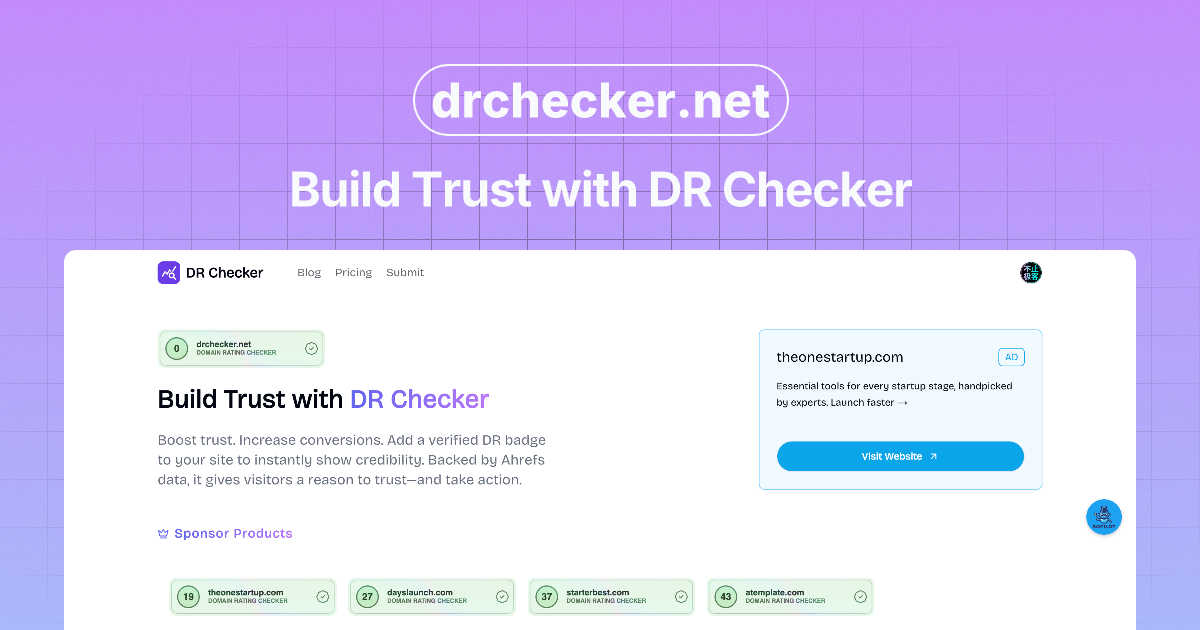
DR Checker enhances your online credibility by assessing and verifying domain reputation effortlessly.

TrafficClaw
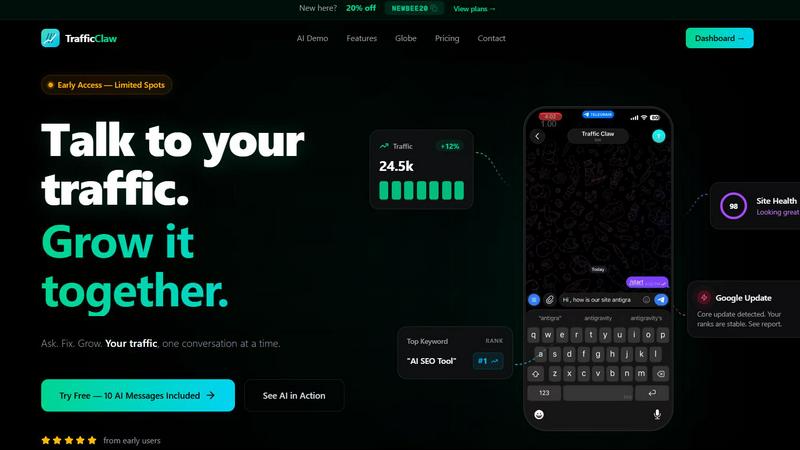
TrafficClaw transforms your SEO and analytics data into actionable insights through natural language conversations for effortless growth.
Last updated: April 13, 2026
Visual Comparison
DR Checker
TrafficClaw
Feature Comparison
DR Checker
Comprehensive Link Scanning
DR Checker employs advanced crawling technology to thoroughly scan websites for broken links, invalid URLs, and other problematic connections. This feature helps identify issues that can negatively impact user experience and SEO performance.
Actionable Insights
The platform provides users with detailed reports and actionable insights, enabling them to understand the issues affecting their website. These insights guide users in making informed decisions to rectify problems and enhance website reliability.
User-Friendly Interface
Despite its sophisticated capabilities, DR Checker boasts an intuitive and user-friendly interface. This design ensures that both technical experts and non-technical users can navigate the platform effortlessly, making it accessible for everyone.
Real-Time Monitoring
DR Checker offers real-time monitoring of links and connections, allowing users to stay updated on their website's health. This proactive approach enables immediate action to be taken on any newly detected issues, thus safeguarding the integrity of the website.
About TrafficClaw
AI Chat
The AI Chat feature allows users to interact with their analytics data in a conversational manner. By asking questions in natural language, users receive instant responses, visualizations, and actionable insights tailored to their specific queries. This eliminates the learning curve associated with traditional analytics tools.
SEO Intelligence
TrafficClaw’s SEO Intelligence feature provides in-depth analysis of keyword gaps, content decay alerts, and cannibalization detection. It also includes an AI-powered engine to optimize search performance, ensuring users can identify opportunities for improvement and capitalize on trends effectively.
Analytics Dashboard
The Analytics Dashboard consolidates real-time visitor data, traffic trends, bounce rates, and conversion funnels into a single, easy-to-navigate interface. This holistic view enables users to monitor their website’s performance at a glance, allowing for informed decision-making.
Site Audit
With the Site Audit feature, users can conduct comprehensive page-level audits to assess performance scores, Core Web Vitals, and receive auto-fix suggestions. This proactive approach helps maintain website health and enhances user experience by addressing potential issues before they escalate.
Use Cases
DR Checker
Website Maintenance for Businesses
Businesses can utilize DR Checker to maintain their websites by regularly scanning for broken links and invalid URLs. This helps ensure a seamless user experience and enhances the overall credibility of the business's online presence.
SEO Optimization for Digital Marketers
Digital marketers can leverage DR Checker to optimize their SEO strategies. By identifying broken links and invalid URLs, marketers can improve their website rankings and enhance organic search visibility, ultimately driving more traffic.
Quality Assurance for Developers
Web developers can use DR Checker as part of their quality assurance processes. By integrating link scanning into their workflow, developers can ensure that newly built or updated websites are free from broken links before they go live.
Security Enhancement for Online Platforms
Online platforms can utilize the real-time monitoring feature of DR Checker to enhance their security. By identifying potentially malicious links, platforms can take swift action to protect their users and maintain a secure browsing environment.
TrafficClaw
Identifying Traffic Drops
TrafficClaw is ideal for users who experience sudden drops in website traffic. By interacting with the AI, they can pinpoint the underlying issues, such as algorithm changes or content gaps, and receive actionable solutions to rectify the situation.
Optimizing SEO Strategies
Digital marketers can leverage TrafficClaw to optimize their SEO strategies. The tool identifies keyword opportunities and provides insights into content performance, helping marketers to refine their approach and improve search engine rankings.
Enhancing Content Performance
Content creators can utilize TrafficClaw to assess their articles for performance metrics and identify areas for improvement. By analyzing content decay alerts and cannibalization issues, users can ensure their material remains relevant and competitive.
Monitoring Real-Time Analytics
Businesses can benefit from TrafficClaw’s real-time analytics capabilities. With live data on visitor behavior and traffic trends, they can adapt their marketing strategies on the fly, responding to user interactions and optimizing conversion rates effectively.
Overview
About DR Checker
DR Checker is an innovative web-based service meticulously designed to bolster both website performance and security by identifying and addressing problematic links. It caters specifically to website owners, developers, and digital marketers who are invested in maintaining a robust online presence. DR Checker scans websites meticulously to detect issues such as broken links, invalid URLs, and potentially harmful connections that may adversely affect user experience or search engine optimization (SEO) rankings. The platform provides actionable insights that empower users to uphold a clean and trustworthy online environment. By leveraging advanced crawling technology, DR Checker ensures comprehensive reports that highlight critical issues including 404 errors, expired domains, and links leading to suspicious sites. The intuitive interface of DR Checker simplifies website maintenance, making it accessible for both technical and non-technical users. This emphasis on user-friendliness and detailed reporting positions DR Checker as an essential tool in the digital toolkit of any entity looking to optimize their website efficiently.
About TrafficClaw
TrafficClaw is an innovative AI-driven analytics tool designed to empower users with actionable insights derived from their website data. It connects seamlessly with Google Analytics 4 (GA4) and Google Search Console, allowing users to ask specific questions like "Why did my traffic drop?" and receive tailored answers based on their unique data. This eliminates the need for generic advice often found in blog posts, providing clarity and direction for website owners, digital marketers, and SEO specialists. With its user-friendly interface, TrafficClaw simplifies the analysis process, enabling users to understand their traffic patterns, identify issues, and implement solutions effectively. The platform is especially valuable for those looking to grow their online presence without having to navigate through complex analytics tools. Whether you are a small business owner or a seasoned digital marketer, TrafficClaw offers a reliable way to enhance your website's performance and drive meaningful growth.
Frequently Asked Questions
DR Checker FAQ
What types of problems can DR Checker identify?
DR Checker can identify various issues including broken links, invalid URLs, 404 errors, and links to potentially harmful or expired domains, thus covering a broad spectrum of website health concerns.
How often should I use DR Checker?
It is recommended to use DR Checker regularly, such as monthly or bi-weekly, to ensure ongoing website health. Frequent scans can help catch issues early before they impact user experience or SEO.
Is DR Checker suitable for all types of websites?
Yes, DR Checker is designed to be versatile and can be used for all types of websites, from personal blogs to large e-commerce platforms, making it a valuable tool for any online presence.
Does DR Checker offer customer support?
Yes, DR Checker typically provides customer support to assist users with any questions or issues they may encounter while using the tool, ensuring a smooth user experience.
TrafficClaw FAQ
How does TrafficClaw connect to my existing analytics?
TrafficClaw connects to your existing analytics through Google OAuth, allowing for secure access to your Google Analytics 4 and Search Console data. The setup process takes less than 30 seconds, enabling you to start analyzing your data immediately.
What type of insights can I expect from TrafficClaw?
Users can expect actionable insights tailored to their specific data. This includes identifying traffic drops, detecting keyword gaps, and receiving suggestions for content optimization, all delivered in a user-friendly format through AI-powered interactions.
Is my data safe with TrafficClaw?
Yes, your data is safe with TrafficClaw. The platform employs read-only access to your Google accounts, meaning that your data remains yours, and TrafficClaw cannot alter or use it without your consent.
Can I use TrafficClaw for multiple sites?
Absolutely. TrafficClaw supports multiple GA4 properties and Search Console sites, allowing users to manage and analyze data across various websites from a single dashboard. This feature is particularly beneficial for agencies and marketers managing multiple clients.