
Gaffa vs TrafficClaw
Side-by-side comparison to help you choose the right product.

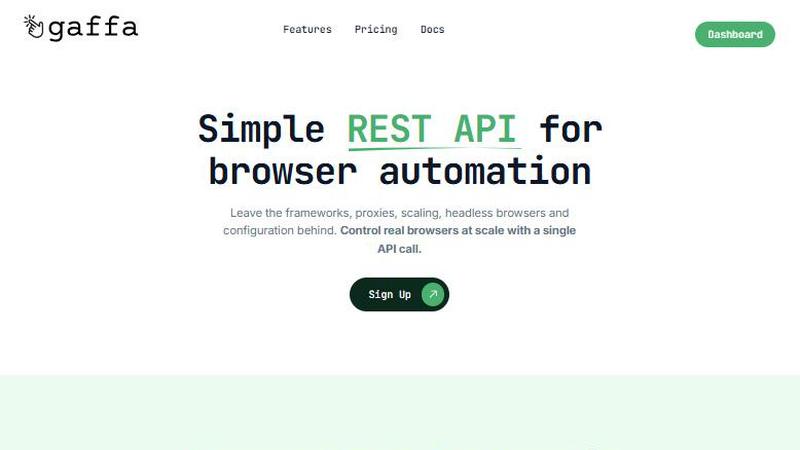
Gaffa is a simple REST API for automating real browsers and extracting web data at scale.
Last updated: March 1, 2026

TrafficClaw
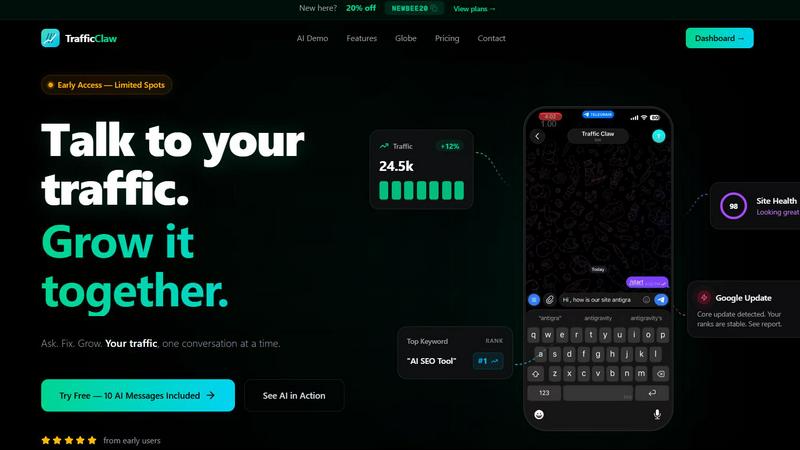
Talk to your SEO & Analytics data - it finally talks back
Visual Comparison
Gaffa
TrafficClaw
Overview
About Gaffa
Gaffa is a sophisticated, API-first platform engineered to abstract and manage the immense technical complexities inherent in large-scale web data extraction and browser automation. It functions as a powerful managed service layer, providing developers, data scientists, and businesses with a streamlined REST API to command and control real, fully-fledged web browsers at scale. The platform's core value proposition lies in its comprehensive handling of the most challenging and resource-intensive facets of web automation, including dynamic residential proxy rotation, automatic browser scaling, persistent infrastructure maintenance, intelligent failure handling, and advanced data parsing. This allows technical teams to redirect their focus entirely from maintaining brittle scraping infrastructure to deriving actionable insights from the data itself. Gaffa is specifically architected to operate reliably against modern, JavaScript-heavy, and anti-bot protected websites, employing advanced techniques such as stealth browsing modes, integrated CAPTCHA solving, and human-like interaction patterns to ensure exceptionally high success rates. By transforming intricate web interactions into simple, reliable API calls, Gaffa effectively democratizes access to scalable and accurate external web data, positioning itself as an indispensable tool for organizations of all sizes that depend on timely data for market intelligence, competitive analysis, dynamic price monitoring, and fueling artificial intelligence or machine learning model training pipelines.
About TrafficClaw
Your traffic dropped. Google Analytics says nothing useful. Search Console shows graphs. Cool. Now what? TrafficClaw lets you just ask - "Why did my traffic drop?" and actually get an answer. Backed by your real data, not some generic blog post advice. Connect GA4 + Search Console. Ask questions. Get fixes. That's it.