
claude ide vs Practical AI (Practical AI for SMB)
Side-by-side comparison to help you choose the right product.

claude ide
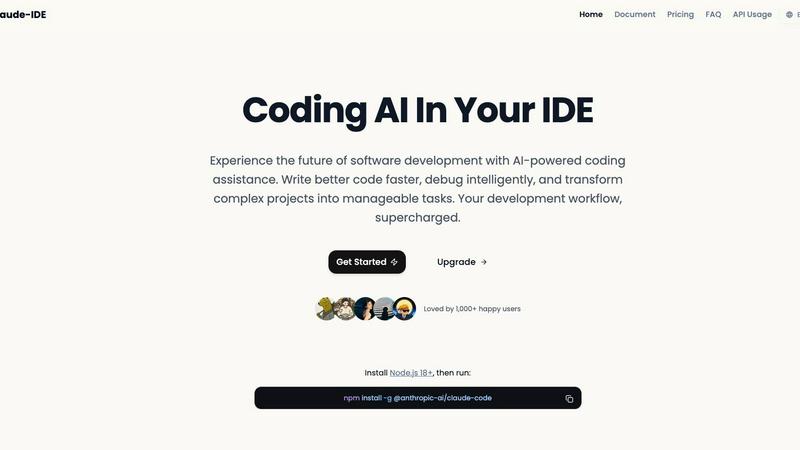
Claude IDE is an AI coding assistant that enhances development by understanding your codebase for faster, smarter.
Last updated: March 1, 2026

Practical AI (Practical AI for SMB)
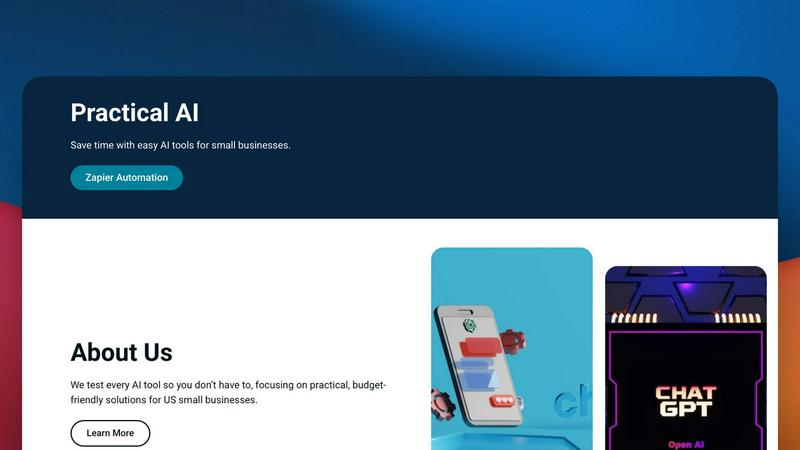
AI & automation guides for SMBs. Save time.
Visual Comparison
claude ide
Practical AI (Practical AI for SMB)
Overview
About claude ide
Claude IDE is an innovative AI coding assistant designed to enhance the software development experience by integrating advanced AI capabilities directly into popular development environments, including Visual Studio Code and JetBrains. This tool caters to developers at all skill levels, from novices to experienced professionals, helping them write better code faster and manage complex projects with ease. By providing intelligent insights, debugging assistance, and project management features, Claude IDE transforms how developers interact with their code and collaborate with colleagues. Its primary value proposition is to democratize access to sophisticated AI coding assistance, eliminating the high costs typically associated with such tools. With Claude IDE, users can streamline their coding process, minimize errors, and enjoy a seamless workflow without the need for constant context switching between different tools.
About Practical AI (Practical AI for SMB)
Practical AI is a dedicated resource hub for US small and medium-sized businesses (SMBs) that cuts through the AI hype. We test tools thoroughly and provide clear, step-by-step guides on using AI (ChatGPT, Claude, etc.) and no-code platforms like Zapier to automate repetitive tasks, streamline operations, improve marketing, and boost efficiency — without needing technical expertise or big budgets.
Topics include industry-specific Zapier automations for local service businesses (couriers, laundromats, landscapers, etc.), AI content creation, customer service automation, marketing & SEO with AI, honest tool reviews, and ready-to-use prompts/workflows. Every guide is manually tested in real-world scenarios. Created by automation specialist Aapt Dubey with experience building 800+ workflows.