
MindMap AI vs Zovo
Side-by-side comparison to help you choose the right product.

MindMap AI
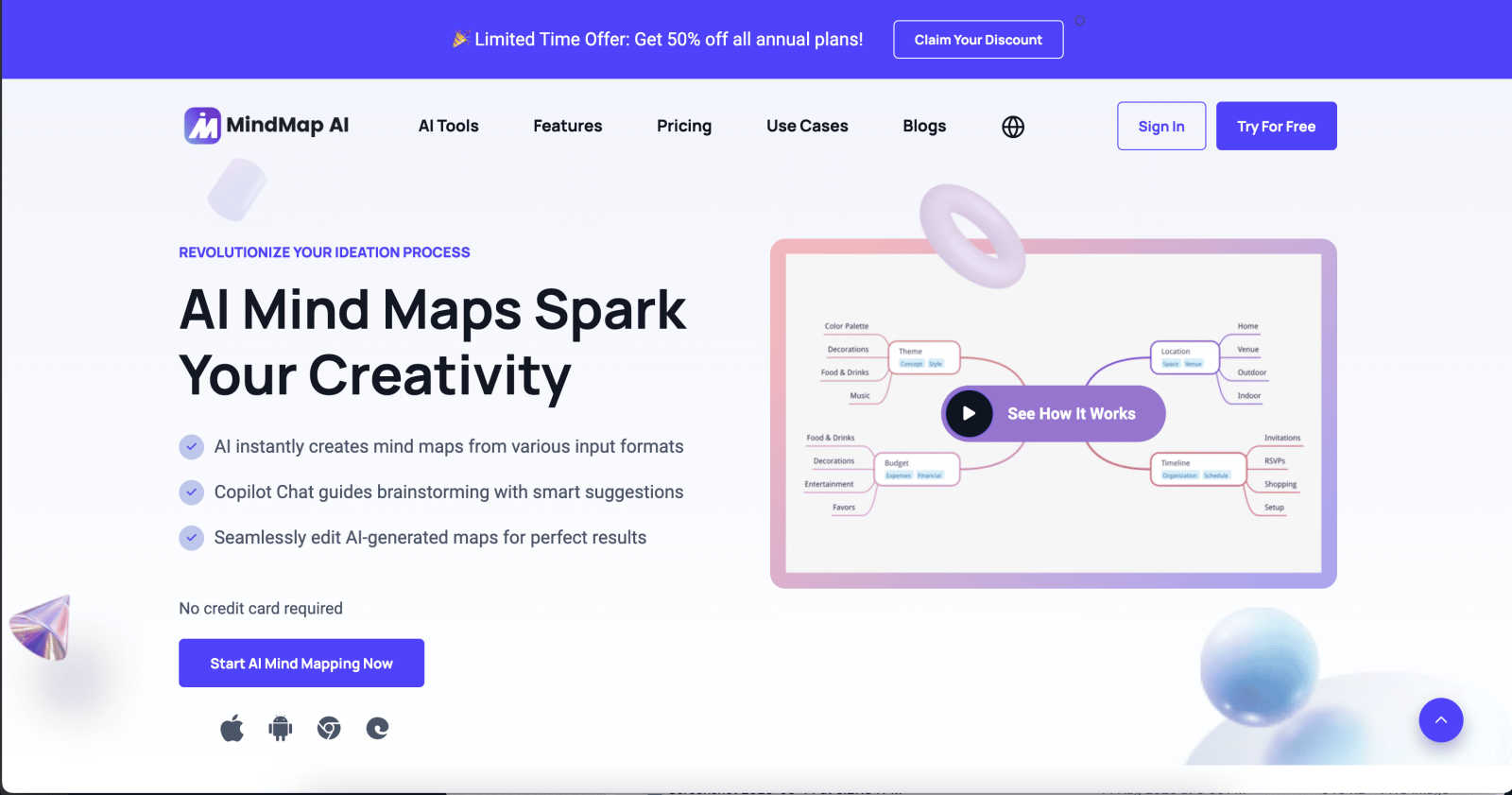
MindMap AI converts ideas and documents into interactive mind maps, enhancing creativity and collaboration effortlessly.
Last updated: March 1, 2026

Unlock 20 privacy-first Chrome extensions for developers and writers with Zovo, built by a solo developer for your.
Last updated: February 26, 2026
Visual Comparison
MindMap AI
Zovo

Feature Comparison
MindMap AI
AI Thinking Mode for Accuracy
MindMap AI employs a sophisticated step-by-step reasoning engine that comprehensively understands context, hierarchy, and relationships. This ensures every mind map generated is structured, meaningful, and accurate from the outset, rather than a random assortment of branches.
File-to-Map Conversion
This feature allows users to transform any content, whether text, PDFs, images, audio, video, or CSV files, into a beautifully organized mind map instantly. Rather than starting from scratch, users can dive straight into the creative process, saving time and effort.
Continuous Editing
MindMap AI offers reliable co-editing capabilities, allowing users to develop their mind maps manually or with AI assistance. Users can expand, summarize, reorganize, and style their maps quickly, while maintaining full control over their content and layout at any time.
Flexible Layouts
Users can seamlessly switch between Mind Map, Org Chart, and Logic Chart views without losing the structure of their work. This flexibility enables users to explore and present their ideas from multiple perspectives, enhancing understanding and collaboration.
Zovo
BeLikeNative
BeLikeNative allows users to write like native speakers in just one keystroke, supporting an impressive 80 languages. This feature is particularly beneficial for non-native speakers looking to enhance their writing skills and communicate more effectively in various languages.
Tab Suspender Pro
Tab Suspender Pro intelligently manages your browser's memory by automatically suspending inactive tabs. This feature helps reduce memory usage, improve browser performance, and keep your workflow uninterrupted, making it ideal for users juggling multiple tabs.
Clipboard History Pro
Clipboard History Pro ensures that users never lose copied text again by maintaining a history of up to 10,000 clips. Users can instantly search their clipboard history and utilize smart paste functions, which significantly enhances productivity during tasks involving text management.
Form Filler Pro
Form Filler Pro simplifies the process of filling out online forms by allowing users to save multiple profiles and fill forms with a single click. This feature is particularly useful for those who frequently engage in online registrations or surveys, saving time and reducing repetitive tasks.
Use Cases
MindMap AI
Team Brainstorming Sessions
MindMap AI is perfect for team brainstorming sessions, enabling participants to visually map out ideas in real time. The collaborative features ensure that all contributions are respected and integrated into a cohesive mind map.
Project Planning and Management
Teams can leverage MindMap AI for project planning and management. By visually organizing tasks, timelines, and responsibilities, teams can enhance clarity and ensure alignment on project objectives.
Academic Research Organization
Researchers can utilize MindMap AI to organize their findings and literature reviews. The tool allows for easy categorization and visualization of complex data, facilitating a clearer understanding of research themes and gaps.
Language Learning and Translation
With support for over 25 languages, MindMap AI can assist language learners in organizing vocabulary and concepts effectively. This feature helps learners visualize relationships between words and phrases, enhancing retention and comprehension.
Zovo
Enhanced Writing for Non-Native Speakers
Non-native speakers can benefit immensely from BeLikeNative, which provides instant rewrites to improve fluency and expression in writing. This use case is particularly valuable for students, professionals, and anyone looking to enhance their communication in a foreign language.
Memory Management for Power Users
Power users who often keep numerous tabs open can leverage Tab Suspender Pro to manage their browser's memory effectively. By suspending inactive tabs, users can ensure smoother performance and prevent crashes, making it essential for individuals who multitask.
Efficient Text Management for Professionals
Professionals who frequently copy and paste text can utilize Clipboard History Pro to maintain a well-organized clipboard. This tool allows for quick retrieval of previously copied content, streamlining workflows in tasks such as content creation or data entry.
Simplified Online Forms for Busy Individuals
Busy individuals can save time with Form Filler Pro, which allows for quick completion of repetitive online forms. This is particularly advantageous for users who need to fill out various forms for applications, registrations, or surveys, enabling them to focus on more critical tasks.
Overview
About MindMap AI
MindMap AI is an advanced mind mapping software that leverages artificial intelligence to support professionals and teams in enhancing their creativity, organization, and productivity. This innovative solution allows users to convert diverse content, including ideas, documents (such as PDFs, Word files, and slides), and recordings (like meetings and lectures), into dynamic, interactive visual maps. The core value of MindMap AI lies in its ability to streamline the brainstorming process through instant mind map generation, providing a comprehensive visual representation of thoughts and concepts. With features such as the Co-Pilot Chat, which offers intelligent suggestions, users can easily collaborate and refine their ideas. MindMap AI effectively transforms complex information into actionable workflows and strategies, empowering teams to work smarter and faster. Available on both web and mobile platforms, it supports multi-format exports, making it an ideal tool for various organizational needs, from planning and strategy alignment to research analysis.
About Zovo
Zovo is an innovative suite of 20 Chrome extensions meticulously crafted by a solo developer with over a decade of experience in software development. With a stellar track record of earning more than $400,000 on Upwork and maintaining a perfect 100% success rate, Zovo stands out as a unique offering in the crowded landscape of browser tools. The flagship extension, BeLikeNative, has already empowered over 3,300 users to write like native speakers across 80 languages with a single keystroke. This suite includes a diverse range of tools, such as Tab Suspender Pro, JSON Formatter Pro, Clipboard History Pro, Form Filler Pro, and many others, all designed to enhance productivity and streamline web browsing. Zovo prioritizes user privacy, ensuring that no data leaves the user's device, and fosters a community-driven development model where users can vote on features and influence the product roadmap. With new extensions rolling out monthly and many tools available for free at zovo.one, Zovo is committed to delivering value without the interference of corporate interests or data harvesting.
Frequently Asked Questions
MindMap AI FAQ
What types of content can be converted into mind maps using MindMap AI?
MindMap AI can convert a wide range of content types, including text documents, PDFs, images, audio recordings, videos, Markdown files, and CSV data into interactive mind maps, enhancing the brainstorming and planning process.
Is MindMap AI suitable for individual users or just for teams?
MindMap AI is designed for both individual users and teams. It provides tools that cater to personal creativity as well as collaborative features that support teamwork, making it versatile for various user needs.
Can I customize the appearance of my mind maps in MindMap AI?
Yes, MindMap AI offers extensive customization options. Users can select colors, fonts, shapes, and themes to ensure their mind maps align with their personal or organizational branding, creating visually appealing presentations.
How does the Co-Pilot Chat feature enhance the brainstorming process?
The Co-Pilot Chat feature provides intelligent suggestions and ideas during the mind mapping process. It acts as a collaborative assistant, helping users refine their thoughts and generate new ideas based on the context of their work.
Zovo FAQ
What kind of user data does Zovo collect?
Zovo prioritizes user privacy and does not collect any personal data. All data remains on your device, ensuring that your browsing habits are not harvested or tracked.
How can I request new features for Zovo?
Users can submit feature requests directly through the Zovo platform. The developer actively reviews all requests, and the most popular features are prioritized for development.
Is there a community where I can engage with other Zovo users?
Yes, Zovo has a vibrant Discord community where users can connect, share their experiences, and provide feedback. This platform also allows for direct communication with the developer for any questions or suggestions.
Are there free tools available through Zovo?
Absolutely! Many tools from the Zovo suite are available for free online at zovo.one. Users can access these tools without installation, allowing for immediate use in their browsers.
Alternatives
MindMap AI Alternatives
MindMap AI is a cutting-edge AI-powered mind mapping software tailored for professionals and teams looking to enhance their creativity, organization, and productivity. It falls within the productivity and management category, offering innovative features that convert various input formats into interactive mind maps. Users often seek alternatives to MindMap AI due to factors such as pricing, unique feature sets, platform compatibility, or specific organizational needs that may not be fully addressed by this tool. When selecting an alternative, it is essential to consider the software's functionality, ease of use, and the ability to integrate with existing workflows. Users should also evaluate the level of AI assistance available, collaborative features, and whether the tool supports diverse file formats. Lastly, assessing customer support and security measures can help ensure that the chosen solution meets all necessary requirements for a productive mind mapping experience.
Zovo Alternatives
Zovo is a collection of 20 privacy-first Chrome extensions tailored for developers and writers, designed to enhance productivity and streamline workflows. This suite encompasses tools for various tasks, such as formatting JSON data, managing tabs, and maintaining clipboard history, all created by a seasoned solo developer with a proven track record. Users often seek alternatives to Zovo for reasons such as pricing structures, the availability of specific features, or compatibility with different platforms and browsers. When searching for alternatives, it is essential to consider factors such as the range of features offered, user interface design, privacy policies, and overall performance. Additionally, evaluating customer feedback and the developer's responsiveness to user needs can significantly influence the decision-making process. Ultimately, the right alternative should align with the user’s unique requirements and enhance their productivity.