
MindMap AI
MindMap AI converts ideas and documents into interactive mind maps, enhancing creativity and collaboration effortlessly.
Visit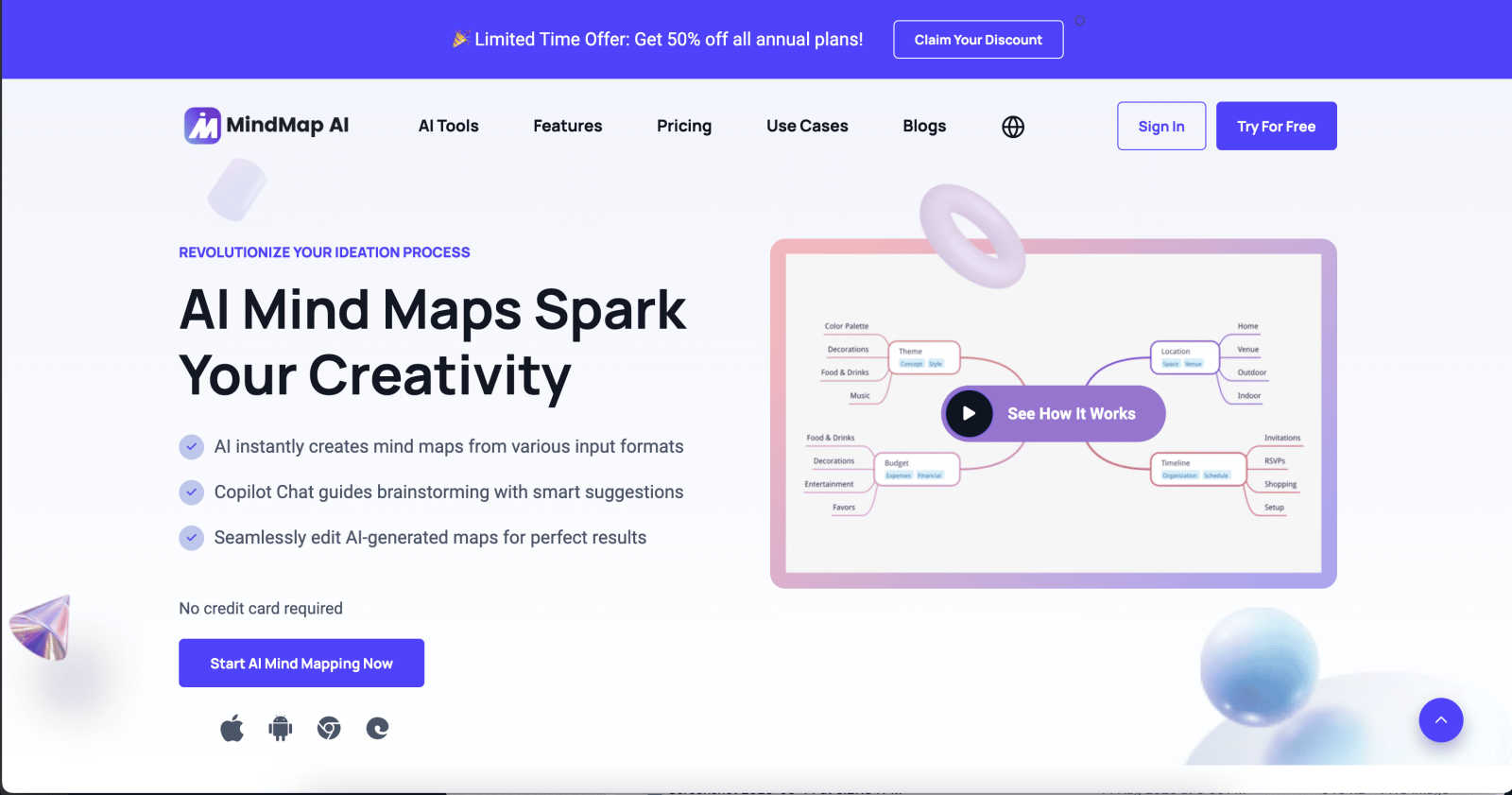
About MindMap AI
MindMap AI is an advanced mind mapping software that leverages artificial intelligence to support professionals and teams in enhancing their creativity, organization, and productivity. This innovative solution allows users to convert diverse content, including ideas, documents (such as PDFs, Word files, and slides), and recordings (like meetings and lectures), into dynamic, interactive visual maps. The core value of MindMap AI lies in its ability to streamline the brainstorming process through instant mind map generation, providing a comprehensive visual representation of thoughts and concepts. With features such as the Co-Pilot Chat, which offers intelligent suggestions, users can easily collaborate and refine their ideas. MindMap AI effectively transforms complex information into actionable workflows and strategies, empowering teams to work smarter and faster. Available on both web and mobile platforms, it supports multi-format exports, making it an ideal tool for various organizational needs, from planning and strategy alignment to research analysis.
Features of MindMap AI
AI Thinking Mode for Accuracy
MindMap AI employs a sophisticated step-by-step reasoning engine that comprehensively understands context, hierarchy, and relationships. This ensures every mind map generated is structured, meaningful, and accurate from the outset, rather than a random assortment of branches.
File-to-Map Conversion
This feature allows users to transform any content, whether text, PDFs, images, audio, video, or CSV files, into a beautifully organized mind map instantly. Rather than starting from scratch, users can dive straight into the creative process, saving time and effort.
Continuous Editing
MindMap AI offers reliable co-editing capabilities, allowing users to develop their mind maps manually or with AI assistance. Users can expand, summarize, reorganize, and style their maps quickly, while maintaining full control over their content and layout at any time.
Flexible Layouts
Users can seamlessly switch between Mind Map, Org Chart, and Logic Chart views without losing the structure of their work. This flexibility enables users to explore and present their ideas from multiple perspectives, enhancing understanding and collaboration.
Use Cases of MindMap AI
Team Brainstorming Sessions
MindMap AI is perfect for team brainstorming sessions, enabling participants to visually map out ideas in real time. The collaborative features ensure that all contributions are respected and integrated into a cohesive mind map.
Project Planning and Management
Teams can leverage MindMap AI for project planning and management. By visually organizing tasks, timelines, and responsibilities, teams can enhance clarity and ensure alignment on project objectives.
Academic Research Organization
Researchers can utilize MindMap AI to organize their findings and literature reviews. The tool allows for easy categorization and visualization of complex data, facilitating a clearer understanding of research themes and gaps.
Language Learning and Translation
With support for over 25 languages, MindMap AI can assist language learners in organizing vocabulary and concepts effectively. This feature helps learners visualize relationships between words and phrases, enhancing retention and comprehension.
Frequently Asked Questions
What types of content can be converted into mind maps using MindMap AI?
MindMap AI can convert a wide range of content types, including text documents, PDFs, images, audio recordings, videos, Markdown files, and CSV data into interactive mind maps, enhancing the brainstorming and planning process.
Is MindMap AI suitable for individual users or just for teams?
MindMap AI is designed for both individual users and teams. It provides tools that cater to personal creativity as well as collaborative features that support teamwork, making it versatile for various user needs.
Can I customize the appearance of my mind maps in MindMap AI?
Yes, MindMap AI offers extensive customization options. Users can select colors, fonts, shapes, and themes to ensure their mind maps align with their personal or organizational branding, creating visually appealing presentations.
How does the Co-Pilot Chat feature enhance the brainstorming process?
The Co-Pilot Chat feature provides intelligent suggestions and ideas during the mind mapping process. It acts as a collaborative assistant, helping users refine their thoughts and generate new ideas based on the context of their work.
Explore more in this category:
Similar to MindMap AI

SideKik helps small businesses turn more enquiries into customers with simple CRM, follow-ups, task management and daily growth tasks.

Secure, auditable time tracking for compliance.


Free practice: 300 questions for citizenship test.

AgencyFlo is the AI-native operating system for agencies - one platform for projects, time, CRM, proposals, contracts and invoicing.

AI-powered Upwork job feed. Every new job is scored against your profile and strategy in real time, and you get an instant notification

AudiobookHub — Audiobook Summaries, AI Text-to-Speech & Theme Songs

Upload your notes, get AI-powered study guides, flashcards & quizzes instantly. Ace any exam in half the time.