
Favicon Love vs SimpleDraw
Side-by-side comparison to help you choose the right product.

Favicon Love
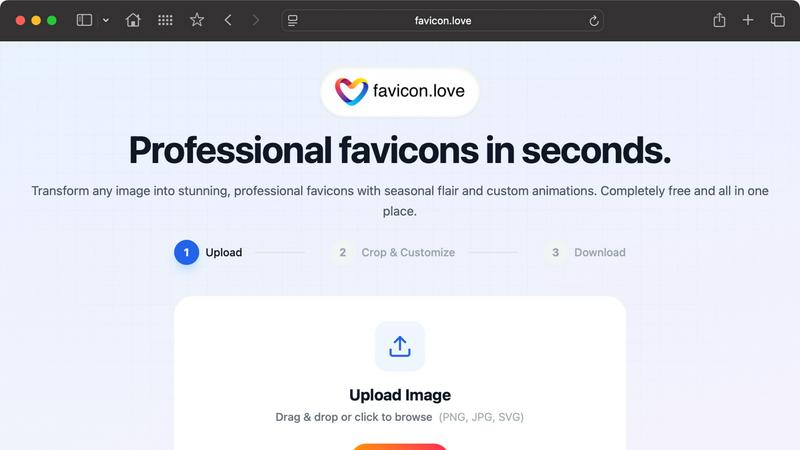
Favicon Love instantly creates professional, animated favicons from any image for free with secure local processing.
Last updated: February 28, 2026
SimpleDraw
SimpleDraw is a free online tool for creating precise floor plans and scale drawings without any software installation.
Last updated: March 1, 2026
Visual Comparison
Favicon Love
SimpleDraw
Feature Comparison
Favicon Love
Multi-Source Input and Instant Asset Library
Favicon Love supports a flexible range of input methods to initiate the favicon creation process. Users can upload their own image files in common formats like PNG, JPG, GIF, or SVG via drag-and-drop or a file browser. For those without a starting image, the platform provides instant access to integrated libraries of Google Material Icons, a full emoji set, and fonts from Google Fonts. This feature eliminates the initial barrier of asset creation, allowing users to browse and select from thousands of professional, free assets directly within the tool, making it an ideal starting point for rapid prototyping and design.
Advanced Customization and Visual Effects
Beyond basic conversion, Favicon Love offers a robust suite of customization tools to tailor the favicon to specific branding and seasonal needs. Users can apply seasonal effects for holidays like Halloween, Winter, or Valentine's Day, instantly giving their icon a timely refresh. The tool also includes CSS animation capabilities, such as pulse and rotation effects with adjustable speed, to create dynamic, attention-grabbing icons. Additional editing features include precise color adjustment, opacity control, blend modes, and an automatic background removal tool to ensure a clean, transparent favicon that integrates seamlessly with any website design.
Comprehensive Format and Size Automation
The platform automatically generates a complete favicon package optimized for the modern web. It produces icons in all three essential formats: PNG for modern browsers with transparency support, ICO for legacy browser compatibility (particularly older versions of Internet Explorer), and SVG for scalable vector graphics and animations. Crucially, it creates these files in all standard required sizes—from 16x16 pixels for browser tabs to 512x512 pixels for Progressive Web Apps (PWAs) and app store listings—ensuring pixel-perfect display on every device, from desktop computers to smartphones and tablets.
Client-Side Processing and Privacy-First Design
A defining technical feature of Favicon Love is its commitment to user privacy and speed through client-side processing. All image manipulation, cropping, effect application, and file conversion occurs entirely within the user's web browser using JavaScript. This means uploaded images are never sent to or stored on an external server. This architecture guarantees data security, maximizes processing speed by eliminating network latency, and allows the tool to function completely free without compromising user data, making it a trustworthy choice for handling proprietary logos and brand assets.
SimpleDraw
Accurate Measurements & Scale Drawing
SimpleDraw ensures precise measurements and smart alignment, allowing users to create drawings that are not only accurate but also to scale. This feature is essential for anyone looking to maintain fidelity in their designs, whether for personal projects or professional use.
Specialized Floor Plan Creator
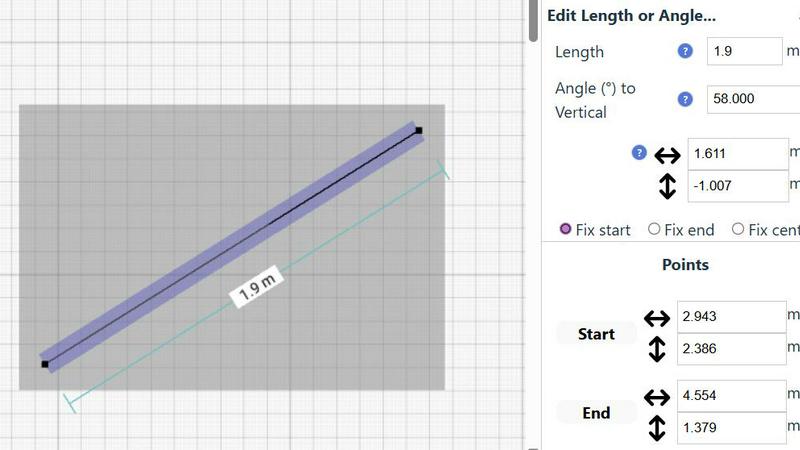
With a dedicated Floor Plan Mode, users can create detailed floor plans with walls, doors, windows, and furniture using just a click. This mode provides real-time measurements as adjustments are made, making it easier to visualize spaces before committing to changes.
Smart Alignment System
The smart alignment system assists users in placing points and lines exactly where they want them. By using visual indicators, the tool helps ensure that each element is positioned accurately, which is particularly beneficial for intricate designs where precision is paramount.
Comprehensive Measurement System
SimpleDraw features a comprehensive measurement system that allows users to toggle between metric and standard US units. Dynamic contextual measurements are displayed as the user works on their drawings, providing immediate feedback to achieve the desired outcomes.
Use Cases
Favicon Love
Web Developers and Agencies
For freelance web developers and digital agencies, Favicon Love streamlines the final step of website deployment. Instead of manually resizing logos in graphic software and using separate converters for ICO files, developers can use this tool to generate a complete, technically compliant favicon package in under a minute. This improves workflow efficiency, ensures client deliverables meet all technical specifications, and provides the option to add subtle animations for more modern, interactive projects, all without leaving the browser.
Small Business Owners and Entrepreneurs
Small business owners launching a website often lack dedicated design resources. Favicon Love empowers them to create a professional-looking favicon from their existing logo or by selecting a relevant icon from the built-in library. This enhances their site's credibility and brand recognition at a critical first-impression stage. The seasonal effects feature also allows them to temporarily update their site's icon for holidays or sales events, adding a dynamic touch to their marketing without any ongoing cost or technical hassle.
UI/UX Designers and Brand Managers
UI/UX designers and brand managers can utilize Favicon Love as a rapid prototyping and testing tool. They can quickly experiment with different color variations, animation styles, and seasonal adaptations of a brand's core icon to see how it performs at the tiny 16x16 pixel scale. This allows for data-informed design decisions regarding contrast, simplicity, and recognizability before finalizing assets for development, ensuring the favicon effectively extends the brand identity in a constrained format.
Bloggers and Content Creators
Individual bloggers, podcasters, and content creators can use Favicon Love to establish a visual identity for their personal websites or newsletters. Starting from an emoji that represents their content niche or a text initial, they can generate a unique, branded favicon that helps their site stand out in a reader's list of bookmarks or tabs. The tool's simplicity and zero cost make it accessible, allowing them to achieve a polished, professional web presence that matches larger entities.
SimpleDraw
Kitchen & Bathroom Floor Plans
Users planning renovations can utilize SimpleDraw to create accurate measurements and visualize layouts for kitchens and bathrooms before commencing work. This helps in making informed decisions about space utilization and design aesthetics.
Room Layouts & Furniture Planning
Whether designing a bedroom, living room, or office, SimpleDraw enables users to plan room layouts effectively. Users can ascertain whether furniture will fit in the designated spaces, preventing costly mistakes before purchases are made.
House & Apartment Plans
SimpleDraw is perfect for creating complete floor plans suitable for home projects, rental listings, or effective space planning. It allows for the detailed representation of various architectural features in a straightforward manner.
Community-Driven Development
SimpleDraw is evolving based on real user feedback, allowing the community to actively shape future features. This collaborative approach enhances the tool's functionality and ensures it meets the diverse needs of its user base.
Overview
About Favicon Love
Favicon Love is a comprehensive, web-based favicon generator engineered to transform any source image, emoji, or text into a suite of professional-grade favicons within seconds. A favicon, or "favorite icon," is a small but critical branding asset that represents a website in browser tabs, bookmark lists, search bars, and mobile home screens. This tool addresses the technical and design complexities of favicon creation by providing a streamlined, all-in-one platform that is completely free to use. It is specifically designed for web developers, designers, business owners, and bloggers who require a reliable method to enhance their site's visual identity and user experience without needing advanced graphic design skills. The core value proposition of Favicon Love lies in its combination of speed, privacy, and versatility. All image processing occurs locally within the user's browser, ensuring data security and privacy, as uploaded files are never transmitted to external servers. Furthermore, the platform automates the generation of all necessary file formats (PNG, ICO, SVG) and standard sizes, ensuring cross-browser and cross-device compatibility. With added capabilities for seasonal theming, CSS animations, and color adjustments, Favicon Love empowers users to create not just functional, but distinctive and engaging icons that elevate their digital presence.
About SimpleDraw
SimpleDraw is an innovative online tool designed for users seeking to create precise and accurate scale drawings effortlessly. This versatile platform caters to a broad audience, including amateur DIY enthusiasts, professional designers, and individuals looking to visualize home renovations. With its user-friendly interface, SimpleDraw allows anyone to produce detailed floor plans and technical drawings without the complexity often associated with traditional CAD software. Its main value proposition lies in simplicity and accessibility; the tool is completely free to use, requiring no registration or downloads. By focusing on providing powerful yet intuitive tools, SimpleDraw empowers users to achieve a level of precision that pen-and-paper methods cannot match. Whether you are designing a kitchen layout or planning a complete home renovation, SimpleDraw offers the ideal solution for accurate and functional design capabilities.
Frequently Asked Questions
Favicon Love FAQ
Is Favicon Love completely free to use?
Yes, Favicon Love is 100% free for unlimited use. You can generate an unlimited number of static and animated favicons without any hidden fees, subscriptions, or watermarks. The business model is supported by the tool's creators without charging end-users, making professional favicon creation accessible to everyone regardless of budget.
What file formats does the tool provide, and why do I need multiple formats?
Favicon Love automatically provides your favicon in PNG, ICO, and SVG formats. Each format serves a distinct purpose: PNG is widely supported by modern browsers and supports transparency; ICO is a container format necessary for legacy browser support, especially older versions of Internet Explorer; and SVG is a scalable vector format ideal for high-resolution displays and enabling CSS animations. Providing all three ensures maximum compatibility across all user devices and platforms.
My favicon isn't showing up on my live website. What should I check?
If your favicon is not displaying, there are several common troubleshooting steps. First, ensure you have uploaded all the generated files (especially the favicon.ico file) to the root directory of your website's server. Second, clear your browser's cache and perform a hard refresh (Ctrl+F5 on Windows/Linux, Cmd+Shift+R on Mac). Finally, verify that the correct <link> tags referencing the favicon files are present in the <head> section of your website's HTML.
Can I use any image to create a favicon, and are there design best practices?
While you can use almost any image, adhering to design best practices is crucial for effectiveness. The image should be high-contrast and extremely simple, as fine details become blurred at 16x16 pixels. Avoid using text, as it becomes unreadable. Limit your color palette to 2-3 colors for clarity. Most importantly, only use images you own or have the rights to use, such as your company logo or original artwork, to avoid copyright infringement.
SimpleDraw FAQ
Is SimpleDraw really free to use?
Yes, SimpleDraw is completely free to use without any hidden fees. There is no need for registration or downloads, making it accessible to everyone.
Do I need any design experience to use SimpleDraw?
No prior design experience is necessary. SimpleDraw is designed for both beginners and experienced users, with an intuitive interface that makes drawing simple and accessible.
Can I save my drawings with SimpleDraw?
While SimpleDraw allows you to create and edit drawings easily, specific saving features may vary. Users are encouraged to check the platform for updates regarding saving or exporting options.
Does SimpleDraw support collaboration?
Currently, SimpleDraw focuses on individual use, but users can join the community via Discord to share feedback and request collaborative features in future updates.
Alternatives
Favicon Love Alternatives
Favicon Love is a specialized online tool within the design and web development category, dedicated to generating professional favicons. It distinguishes itself by offering unique seasonal effects and animations, allowing users to create distinctive, branded icons for their websites quickly and securely without cost. Users may seek alternatives for various reasons, including the need for different feature sets, such as batch processing or integration with specific platforms. Others might require more advanced design controls, prefer downloadable software over a web-based tool, or seek options with different pricing models, including one-time purchases or tiered subscription plans for commercial use. When evaluating an alternative favicon generator, key considerations include the range of supported output formats like ICO, PNG, and SVG for cross-browser compatibility. The tool's ease of use, privacy and security measures for handling uploaded assets, and the availability of advanced customization features such as animation or pre-built templates are also critical factors to ensure the solution meets both creative and technical requirements.
SimpleDraw Alternatives
SimpleDraw is a free, web-based tool that falls under the category of design software, specifically focused on creating accurate scale drawings and detailed floor plans. It is designed for a diverse range of users, from DIY enthusiasts to professional designers, allowing anyone to produce precise technical drawings without the steep learning curve often associated with complex CAD programs. Users commonly seek alternatives to SimpleDraw for various reasons, including the need for additional features, compatibility with different platforms, or specific pricing structures that align better with their requirements. When searching for an alternative, it's essential to consider factors such as ease of use, accessibility, the range of design tools offered, and whether the software meets your particular design needs without sacrificing functionality.