
StudyPal vs YouTube to Transcript
Side-by-side comparison to help you choose the right product.

StudyPal
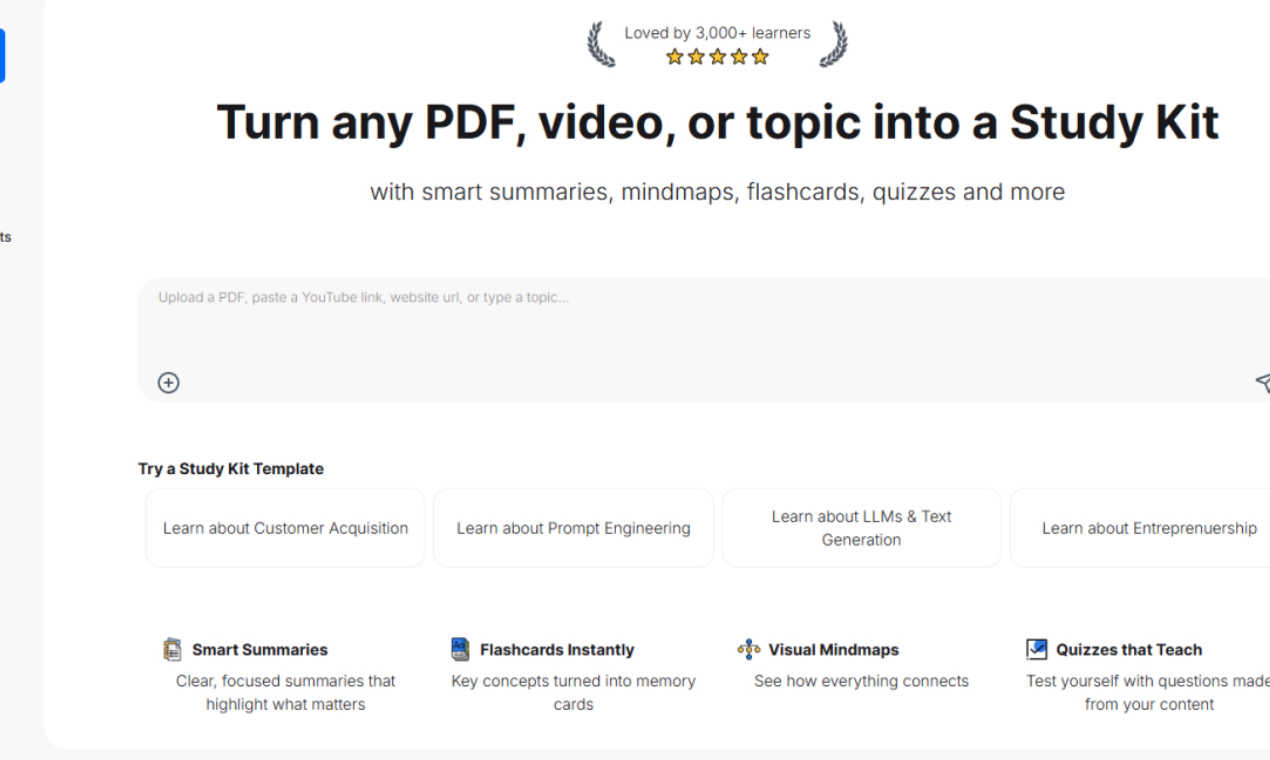
StudyPal converts PDFs, videos, and topics into effective study aids like summaries, flashcards, and quizzes.
Last updated: March 1, 2026

YouTube to Transcript
100% Free YouTube transcript extractor supporting translation in 125+ languages. No login or limits.
Visual Comparison
StudyPal
YouTube to Transcript

Overview
About StudyPal
StudyPal is an innovative AI-powered study companion designed to enhance the learning experience by transforming various forms of content, such as PDFs, YouTube videos, and typed topics, into comprehensive interactive study kits. This advanced tool is geared towards a diverse audience, including students preparing for exams, professionals acquiring new skills, and lifelong learners seeking personal development. The primary value proposition of StudyPal lies in its ability to streamline the study process by providing clear summaries, visual mind maps, engaging flashcards, auto-generated quizzes, and curated video recommendations. Additionally, a built-in AI tutor is available to answer questions in real-time, ensuring users grasp even the most challenging concepts. By adapting to individual learning styles and preferences, StudyPal not only saves hours of note-taking but also significantly boosts knowledge retention, making it a valuable resource available anytime and anywhere. With over 3,000 satisfied learners, StudyPal stands out as a trusted partner in the educational journey.
About YouTube to Transcript
YouTube-to-transcript.org is a powerful, web-based utility designed for content creators, students, and researchers. It allows users to instantly extract high-quality transcripts and subtitles from any YouTube video by simply pasting the URL. Key Features:• Completely Free: No hidden costs or premium tiers.• Multi-language: Supports translation into over 125 languages.• No Restrictions: No limits on video duration and no registration required.• Clean Formatting: Export transcripts for SEO, notes, or content repurposing.