
3D AI Maker
Instantly transform text or images into stunning 3D models for free with seamless Blender integration and no signup.
Visit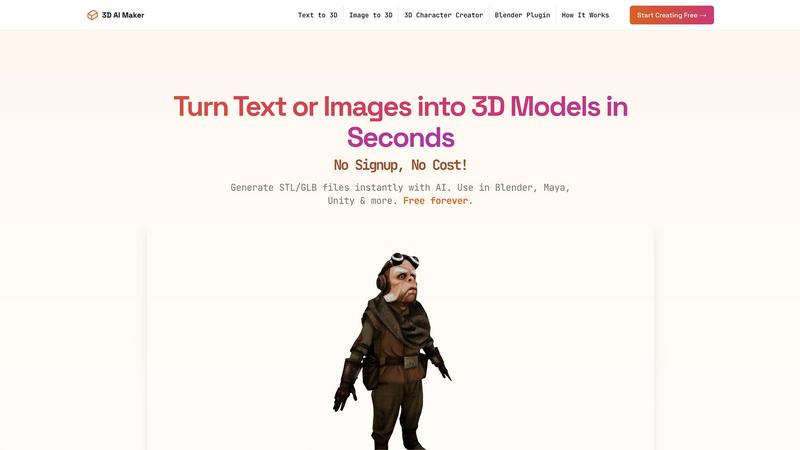
About 3D AI Maker
3D AI Maker is a groundbreaking tool that allows users to effortlessly create fully textured 3D models from textual descriptions or 2D images. This innovative platform employs advanced artificial intelligence technology, enabling model generation in approximately 20 seconds without requiring any sign-up or payment. Designed for a broad spectrum of users—including game developers, 3D artists, VR/AR creators, and hobbyists interested in 3D printing—3D AI Maker stands out for its ability to democratize the 3D modeling process. It empowers individuals of all skill levels to produce high-quality models suitable for various applications. The tool's integration with popular software like Blender enhances its utility, providing users with an accessible alternative to expensive 3D generation tools. With over 2 million models generated, 3D AI Maker is swiftly becoming a favorite among those seeking efficiency and creativity in their projects, making it an essential resource for modern 3D design.
Features of 3D AI Maker
AI-Powered 3D Generation
3D AI Maker utilizes state-of-the-art artificial intelligence to transform simple text prompts or 2D images into fully textured 3D models. This feature streamlines the 3D creation process, allowing users to generate intricate designs that would typically require hours of manual effort.
Direct Blender Integration
The platform features a seamless plugin for Blender, enabling users to generate and manipulate 3D models directly within their preferred software environment. This integration is particularly beneficial for Blender users seeking a cost-effective alternative to other modeling tools.
Export Options for Multiple Formats
3D AI Maker allows users to download their generated models in both GLB and STL formats. This versatility ensures that creators can easily use their models for various applications, including animations in Blender or 3D printing, facilitating a smooth workflow across different platforms.
Completely Free Access
3D AI Maker stands out for its commitment to providing services at no cost. With no hidden fees or sign-up requirements, users can start creating professional-quality 3D characters and assets without the financial burden often associated with similar tools.
Use Cases of 3D AI Maker
Custom 3D Character Design
Game developers can leverage 3D AI Maker to create unique 3D characters tailored for their projects. By inputting specific text prompts or images, they can quickly generate diverse character designs that enhance gameplay and storytelling.
3D Printing Prototyping
Hobbyists and professionals looking to create prototypes for 3D printing can convert images or descriptions into STL files effortlessly. This capability allows users to bring their concepts to life quickly and efficiently, reducing the time from design to physical product.
Virtual Reality and Augmented Reality
Developers in the VR/AR space can use 3D AI Maker to create immersive environments and objects. The ability to generate detailed 3D models in seconds allows for rapid prototyping and iteration, essential in fast-paced development cycles.
Educational Tools
Educators and students interested in 3D modeling can utilize 3D AI Maker as a learning resource. The intuitive platform helps users grasp the fundamentals of 3D design while allowing them to experiment with generating models from text and images.
Frequently Asked Questions
Is 3D AI Maker really free?
Yes, 3D AI Maker is completely free to use. There are no hidden costs or signup requirements, allowing users to create and download models without any financial commitment.
How does this compare to Meshy and other tools?
3D AI Maker offers unlimited free exports and a user-friendly interface, making it an appealing alternative to tools like Meshy. Its direct integration with Blender further simplifies the workflow for 3D artists.
Can I use models commercially?
Yes, users can utilize the generated models commercially. However, it is advisable to review the terms of use to ensure compliance with any guidelines regarding commercial applications.
How do I install the Blender plugin?
Installing the Blender plugin is straightforward. Users can download the plugin from the 3D AI Maker website and follow the provided instructions to integrate it into their Blender software, enabling seamless model generation.
Explore more in this category:
Similar to 3D AI Maker

AI Chat, Chat AI, AI Detector & AI Checker. Chat with AI, detect AI writing, humanize text and create content powered by Chat GPT 5.5.


SOC 2 and ISO 27001 turned into a clear to-do list. AI prepares the first drafts, you approve every call, and the founders actually answer.


Distro is an AI Distribution Operator that helps B2B teams publish content, find buyer conversations, engage prospects, and turn social intent into pi


Inkfox AI is a free unlimited AI image generator requiring no sign-up, featuring Nano Banana 2.0, GPT Image 2.0, Flux, and Seedream models